
Download ADVANCED x64ComponentsPM – codec pack, multimedia playback, HDR support, video formats, audio codecs, Windows OS, media player, playback issues, codec installer, media utility
Overview
ADVANCED x64ComponentsPM is a specialized codec pack designed to enhance multimedia playback capabilities on Windows operating systems. Its primary purpose is to resolve compatibility issues that users commonly encounter when attempting to play various audio and video formats. By integrating a comprehensive suite of codecs, the application enables seamless playback across a wide range of media files, eliminating the need for users to search for individual codec solutions. This makes it particularly valuable for individuals who frequently access diverse digital content, including videos, music, and gameplay recordings.
The app targets users who rely on their Windows devices for media consumption, such as home users, content creators, and digital archivists. These users often face playback errors due to missing or outdated codecs, and ADVANCED x64ComponentsPM offers a streamlined solution. The developer, x64ComponentsPM, appears to focus on utility and performance, with no additional details provided about their background or broader product offerings. Despite the lack of public information about the company, the app’s functionality and purpose are clearly defined.
Real-world use cases include playing rare video formats, accessing high-resolution audio files, and enjoying HDR content on compatible displays. In the broader software ecosystem, such codec packs play a critical role in maintaining backward compatibility and ensuring that legacy media remains accessible. The importance of this tool lies in its ability to act as a universal bridge between diverse media formats and standard media players, reducing technical friction for everyday users.
Key Features & Functionality
- Wide Format Support: The pack includes codecs for a vast library of audio and video formats, enabling playback of files that may otherwise fail to open in default media players. This includes support for uncommon container types and high-bitrate streams.
- HDR Technology Compatibility: With built-in support for High Dynamic Range formats, users can experience enhanced visual quality, including brighter highlights, deeper blacks, and richer color depth, especially on HDR-capable displays.
- Improved Compatibility: By replacing or updating default system codecs, the application reduces playback errors and ensures smoother integration with media players and video editing tools.
- User-Friendly Installation: The setup process is designed to be accessible to users without technical expertise, allowing for quick deployment and immediate functionality.
- Solves Playback Issues: A core benefit of the pack is its ability to resolve frequent playback failures, particularly with older or niche media files, providing a consistent and reliable experience.
For example, a user attempting to play a 4K HDR movie encoded in HEVC with Dolby Atmos audio can do so without additional software. Similarly, a content creator working with AVI files from older cameras can open and review them directly in their player. These real-world scenarios highlight the practical value of the app in everyday media workflows.
Interface, UX & Performance
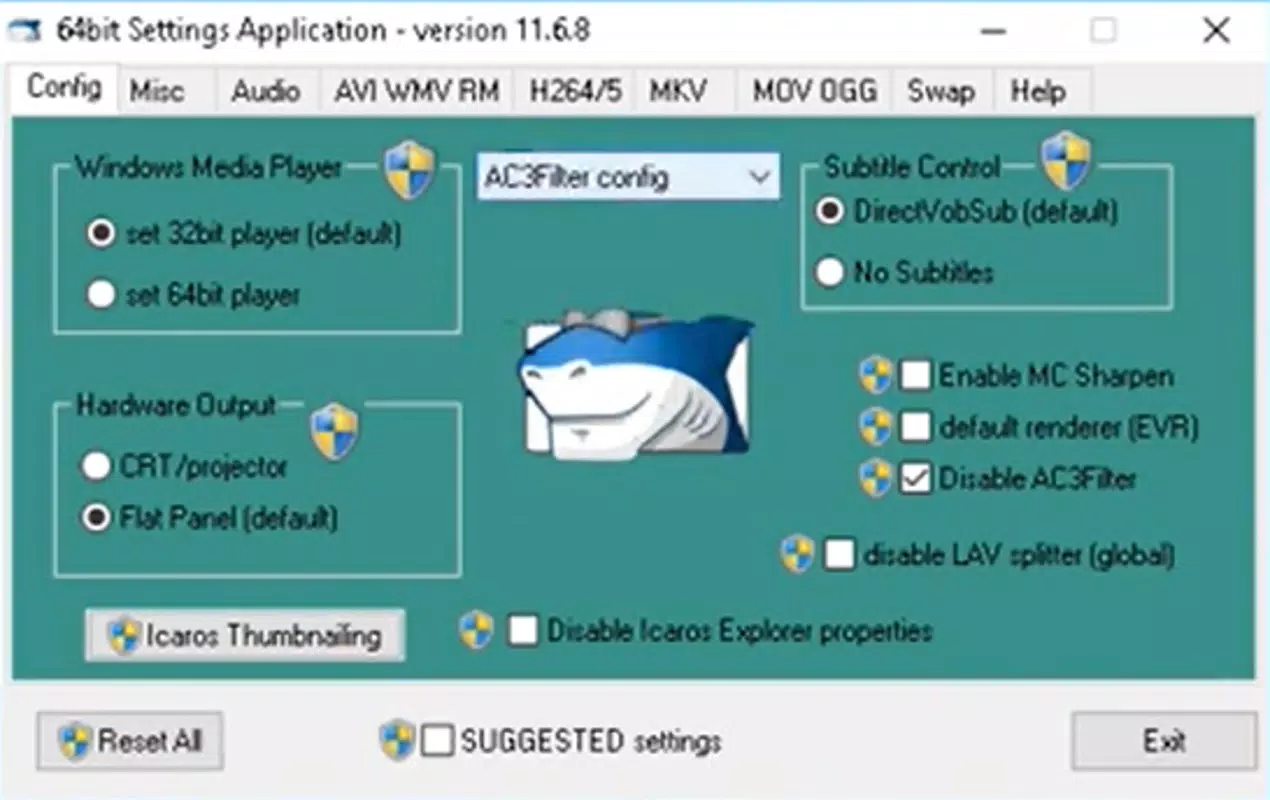
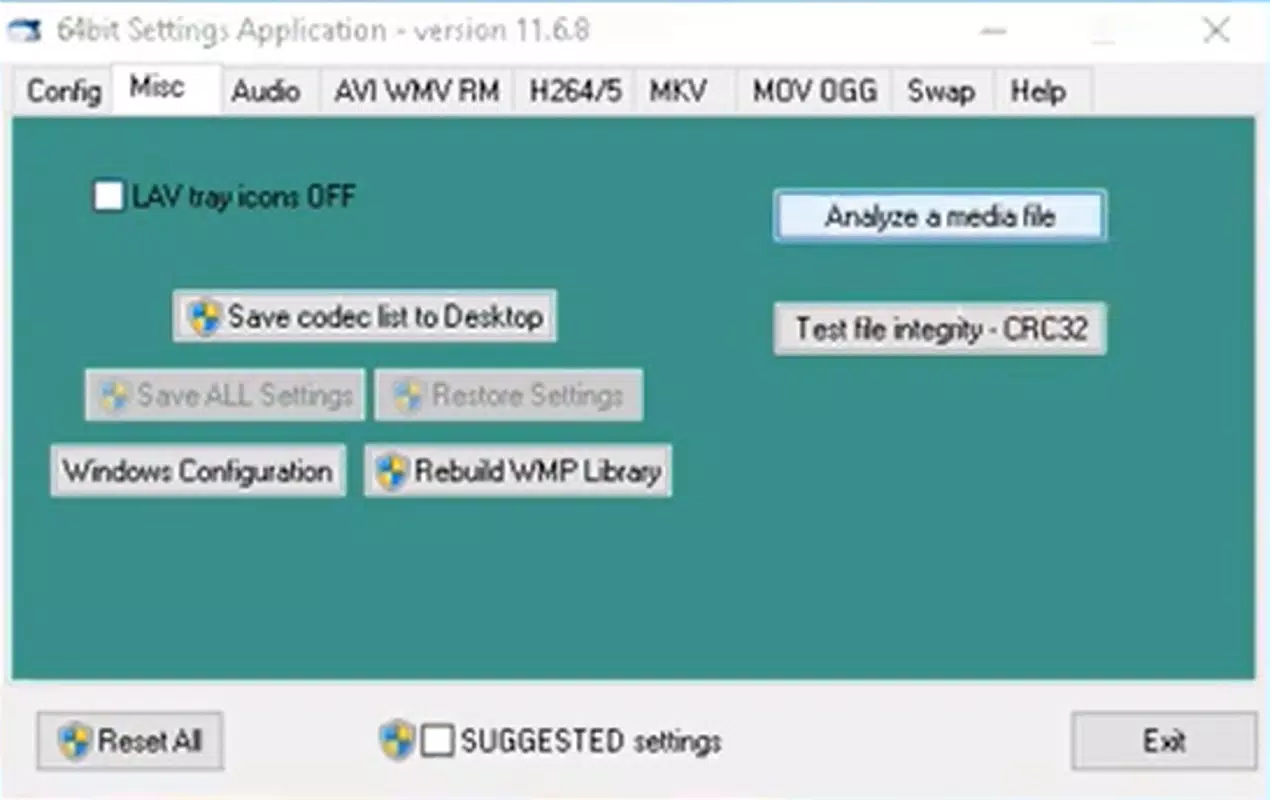
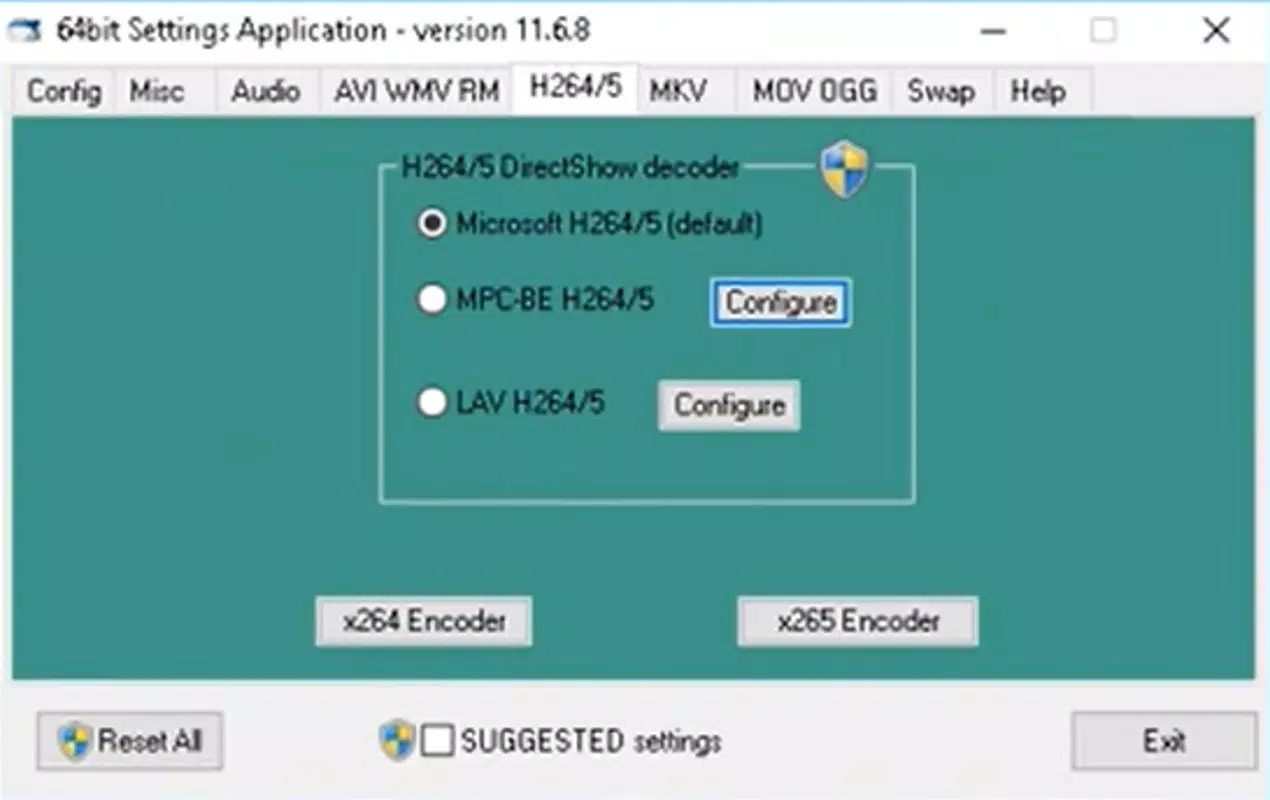
ADVANCED x64ComponentsPM operates primarily through a command-line or silent installer, which means the user interface is minimal or absent during standard use. The application does not include a graphical dashboard or real-time monitoring tools, as its function is to integrate codecs into the system rather than provide interactive controls. This design choice prioritizes efficiency and system integration over user-facing visuals.
Navigating the installation process is straightforward, with clear on-screen prompts guiding users through setup. Once installed, the pack runs in the background, automatically handling codec requests from media players and other applications. The developer did not list formal performance metrics, but the lightweight nature of the 45.5 MB file size suggests minimal system overhead. Users can expect stable performance across a range of device categories, from older desktops to modern high-end systems.
Responsiveness is maintained through seamless integration with the Windows media stack. Although the developer did not specify compatibility with specific Windows versions beyond the platform, the application is designed to function on standard Windows OS environments. Stability is a key feature, as the pack avoids conflicts with existing codecs by replacing outdated or incompatible components with updated versions.
Platform Compatibility & Technical Requirements
ADVANCED x64ComponentsPM is designed for the Windows operating system. The current version, 2.0.1, has a file size of 45.5 MB and is available at no cost. The developer did not specify minimum OS requirements, nor did they list compatibility with specific Windows versions such as Windows 10, 11, or earlier releases. As such, users should verify system compatibility before installation.
The application is intended for 64-bit Windows environments, as indicated by the "x64" in the name. This ensures optimal performance and access to modern multimedia features. The developer did not provide details on RAM, processor, or disk space requirements. However, given the compact size and system-level integration, the app is expected to function on most modern Windows machines with standard hardware configurations.
Compatibility information was not fully disclosed, so users are advised to ensure their system meets general Windows OS standards before proceeding with installation. The lack of explicit technical details does not detract from the app’s utility but highlights the need for caution when deploying on older or non-standard systems.
Pros and Cons
Pros
- Comprehensive support for a wide range of audio and video formats
- Includes HDR format compatibility for enhanced visual quality
- Designed to resolve common playback errors and improve media reliability
- Simple, fast installation process suitable for non-technical users
- Free to download and use with no hidden costs
Cons
- Minimal user interface; no visual controls or real-time feedback
- Compatibility with specific Windows versions was not listed
- Limited transparency regarding system-level changes during installation
- Does not include media player functionality; requires external software
- Developer background and support channels were not disclosed
FAQ
Is ADVANCED x64ComponentsPM safe to install?
The application is distributed as a free tool for Windows OS and does not contain known malware. However, users should download it from trusted sources to ensure the integrity of the file.
Does this app include a media player?
No, ADVANCED x64ComponentsPM does not include a media player. It functions solely as a codec installer, enabling existing players to support additional formats.
Can I use this on older versions of Windows?
The developer did not specify compatibility with Windows versions beyond the platform. Users should verify system requirements before installation.
Is the app updated regularly?
While the current version is 2.0.1, released in 2021, the developer did not provide information on update frequency or future development plans.
Will this affect my existing media players?
Yes, the pack may replace or update default system codecs, which can improve playback performance but may also affect behavior in some applications. Users are advised to back up their system before installation.
Final Thoughts
ADVANCED x64ComponentsPM delivers a focused and effective solution for users struggling with multimedia playback on Windows. Its ability to unify support for numerous audio and video formats, including HDR, makes it a valuable utility for anyone who works with or enjoys diverse media content. While the lack of a graphical interface and limited developer transparency are notable drawbacks, the app’s core functionality remains robust and reliable.
It is particularly beneficial for users who frequently encounter playback errors or work with legacy or high-resolution media files. The free price point enhances its accessibility, making it a smart choice for both casual users and professionals. For those seeking a streamlined way to expand their media capabilities without installing multiple tools, this codec pack offers a practical and efficient alternative.
Download ADVANCED x64ComponentsPM now


